
Selected tab
Start with the highlighted category so you know what kind of tile list you are seeing.
A lobby can show cards, reels, roulette rings, dice, city lights, and quick buttons at once. These notes turn that noise into a simple reading order.
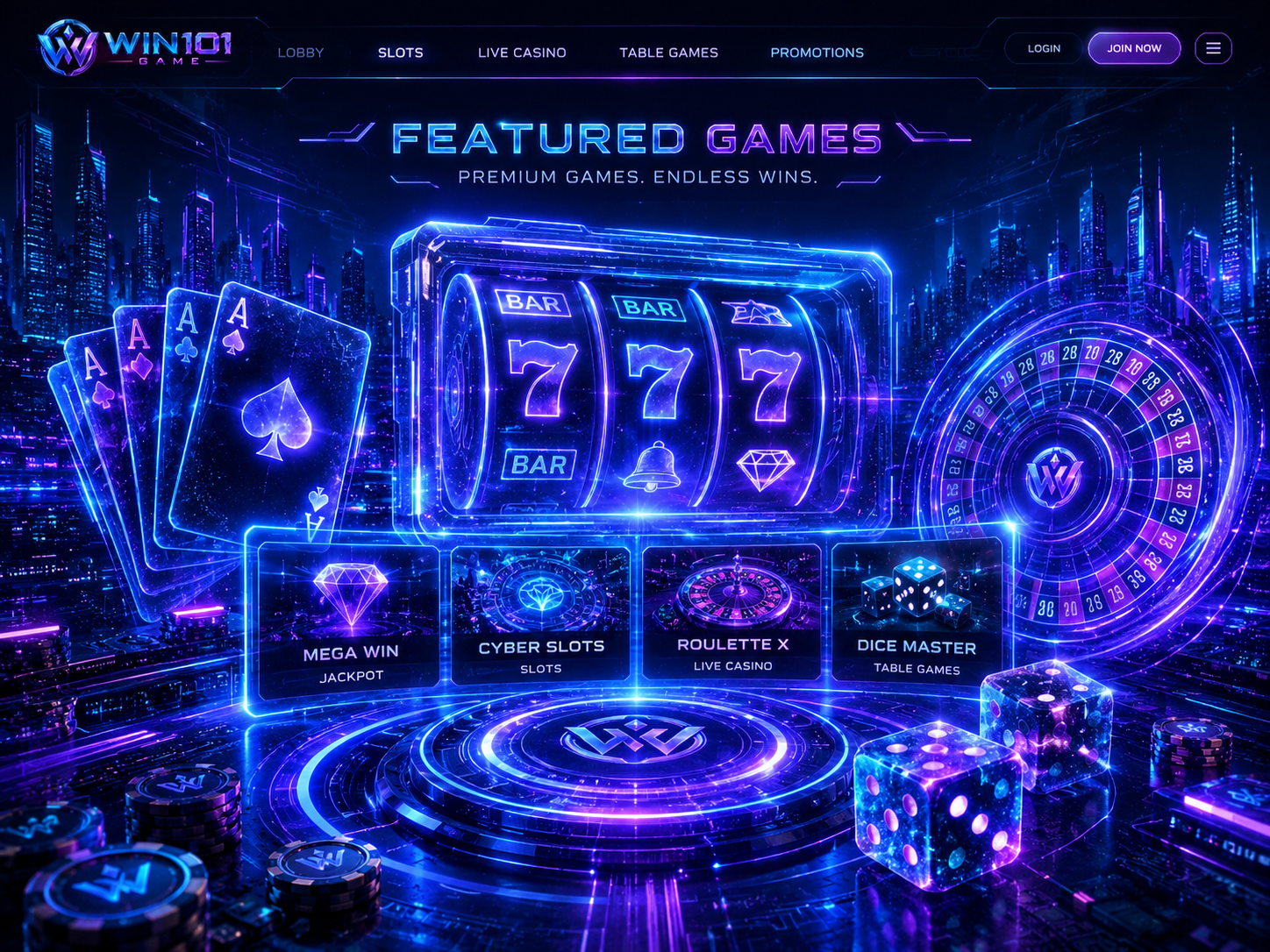
Start with the highlighted category so you know what kind of tile list you are seeing.
Read the label below the art. Similar neon shapes can lead to very different screens.
Small tags and glowing markers are attention cues. Read what they mean before touching the panel.
A side panel may change the selected item. Treat it as a draft state until the label is clear.
Top and bottom rails can move you to a different area. Know which icon returns home.
If a tile opens a private prompt or unfamiliar permission request, stop and close the view.