
Brand strip
Check that the logo, address memory, and page name are consistent before reading deeper controls.
Start with the brand area, then move through category icons, event rows, game cards, bottom navigation, and any prompt that asks you to act.
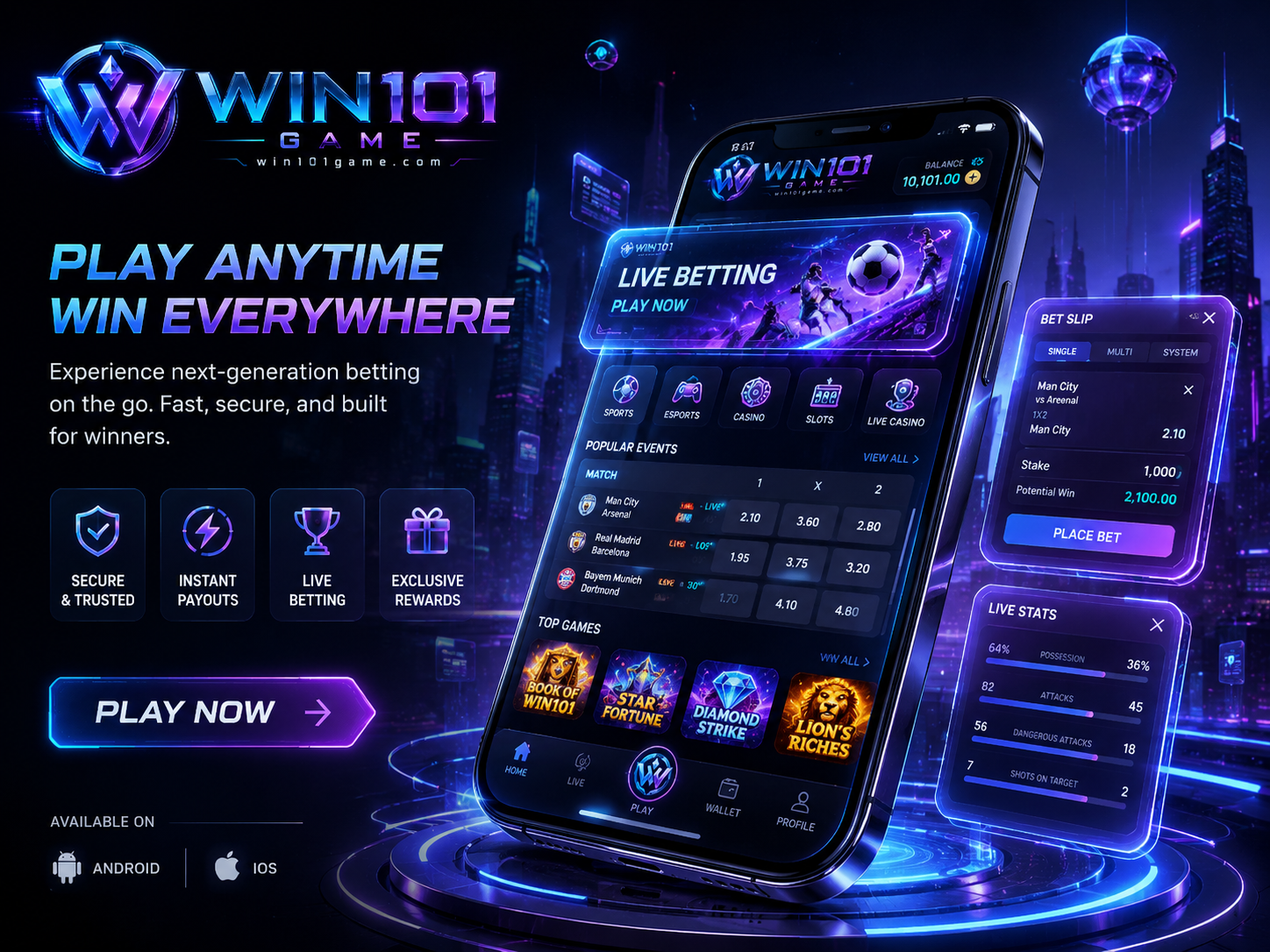
Check that the logo, address memory, and page name are consistent before reading deeper controls.
Sports, esports, casino, card, and slot style labels should be read as navigation categories, not recommendations.
Read each row as a full line: teams, market label, number columns, and time context.
Do not let artwork decide the action. The text label and the current tab matter more.
Home, live, play, wallet-style, and profile icons can change the screen. Know where each leads.
Stop at any request for private codes, identity files, remote access, or unusual device permission.